1. Navigate to your email inbox.
2. Click on the study invitation.

Alert: The study invitation will come from "no-reply@mail.itakecontrolhealth.com". If you need, the study team can resend your invitation. If you do not receive the invitation after a few attempts, please confirm your email address with the study team, check your Spam/Junk folder, and reach out to your organization's IT Department to ensure the email is not being caught in a security filter.
3. Click "Create password".

4. Create a password in the "Password" field.

5. Re-type the same password into the "Confirm Password" field.

Alert: You will see an error message if your password does not meet the password requirements, or if the "Password" and "Confirm Password" fields are not matching.
6. Click "Submit".

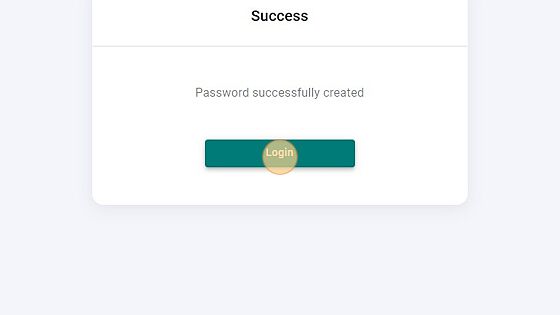
7. You will be brought to a confirmation page where you will have the option to go to the SMP login screen.