1. Navigate to the study management portal.
2. On the login page, click on "Forgot Password".

3. On the "Forgot Password" page, click on the "Email" field and enter the email used for registration.

4. Click "Submit".

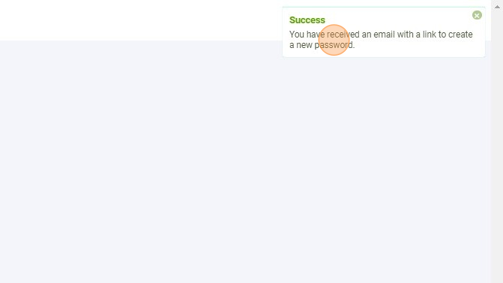
5. A pop-up notification will confirm your password has been reset.
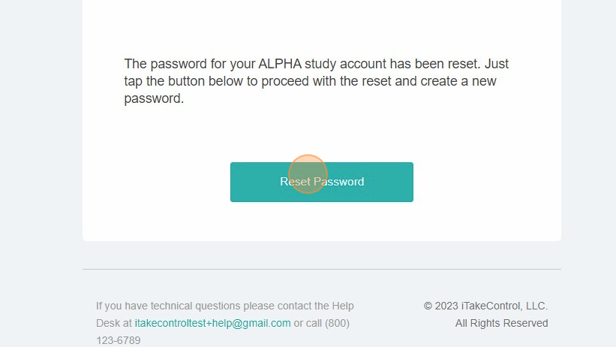
6. Go to your email inbox and open up the reset email.

7. Click "Reset Password".
8. Create a new password.

9. Click "Submit".

10. A success screen will confirm you have updated your password. Click on "Login" to go back to the login screen.

Made with Scribe